Upload one pet photo
Choose a JPEG, PNG, or WebP with one pet. Everyday phone photos are welcome.
Clear shapes. Playful expression.
Turn your pet’s real expression into a polished digital illustration with clean forms, lively color, and enough facial detail to keep their personality front and center.
Try Cartoon Illustration Free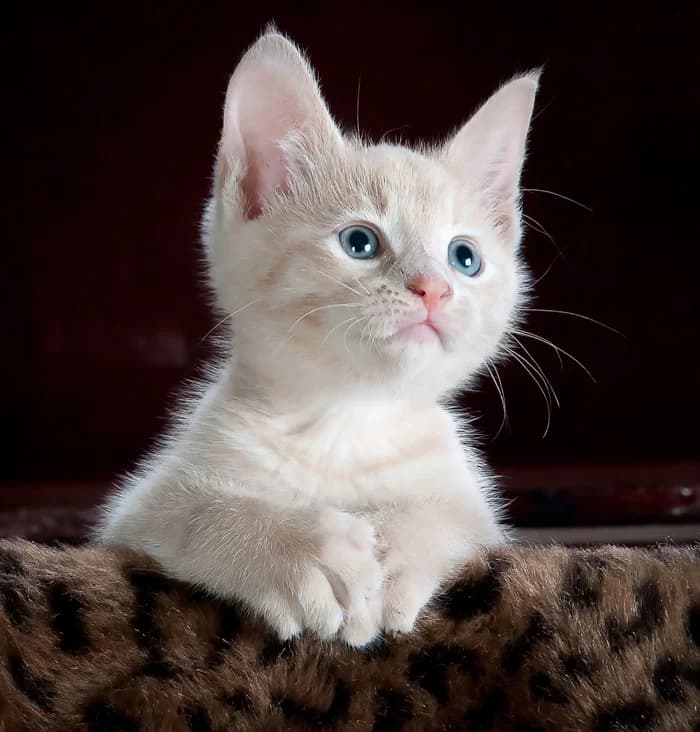
Want more ways to create in Cartoon Illustration?
A free account unlocks more ways to shape your portrait. New accounts receive 30 welcome credits — enough for 3 portraits.
Sign up to explore more style variationsDigital portrait · One pet · Downloadable image
Choose one pet photo to continue.
A successful portrait uses one free portrait.What this style looks like
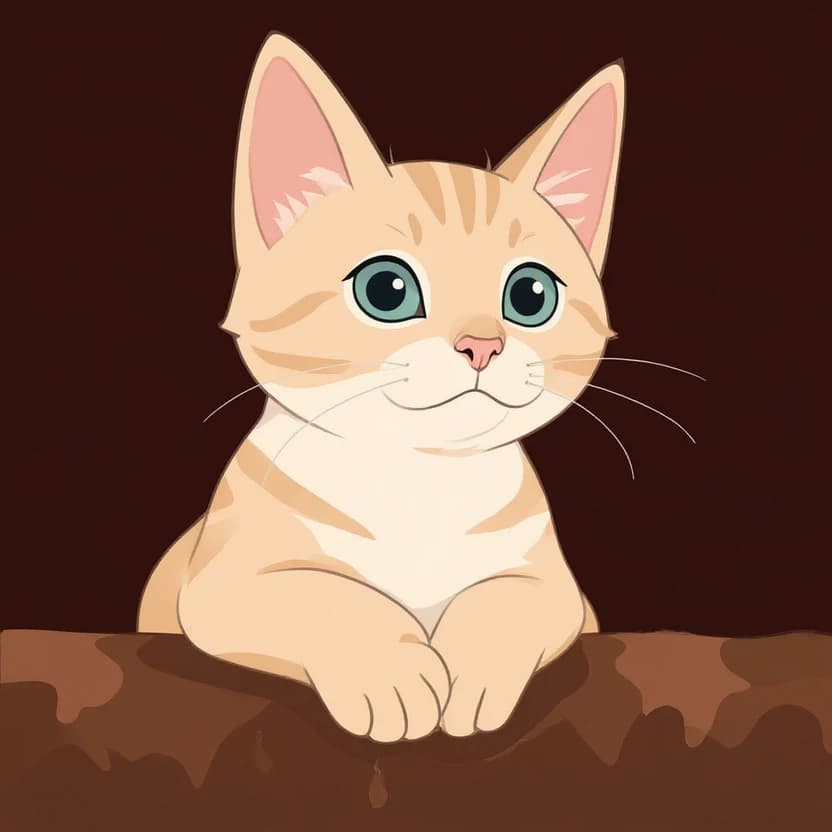
Cartoon simplifies fur and shading into cleaner illustrated shapes while keeping the expression, markings, and natural animal structure recognizable.
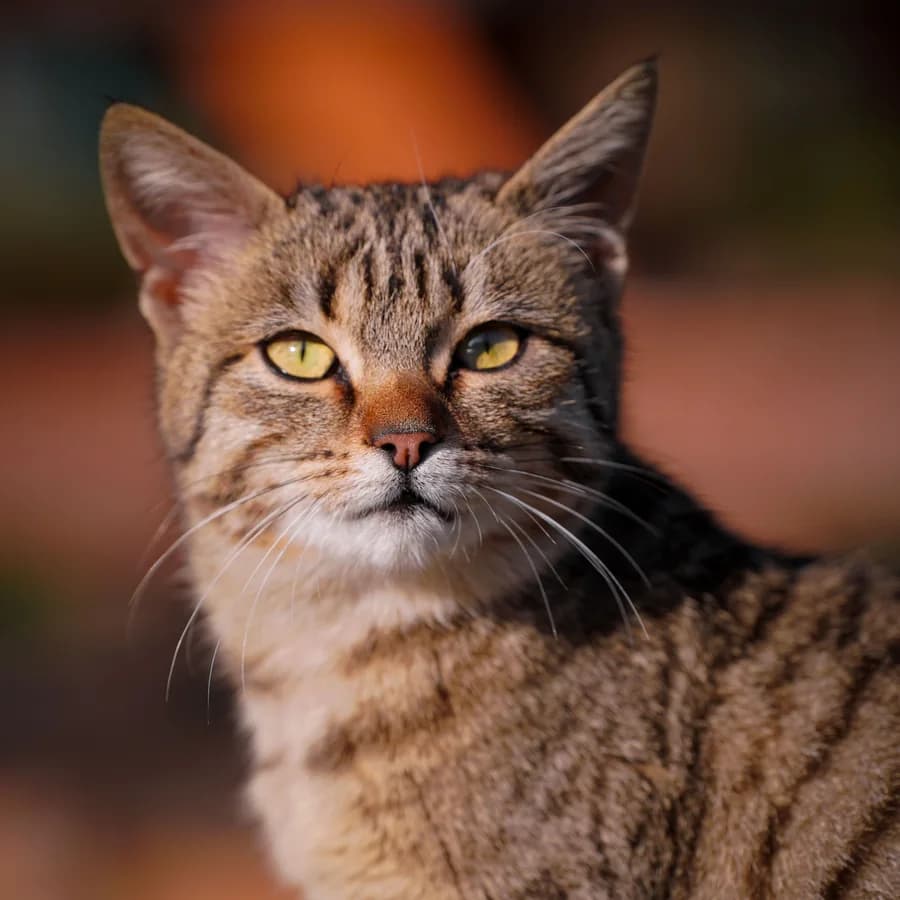
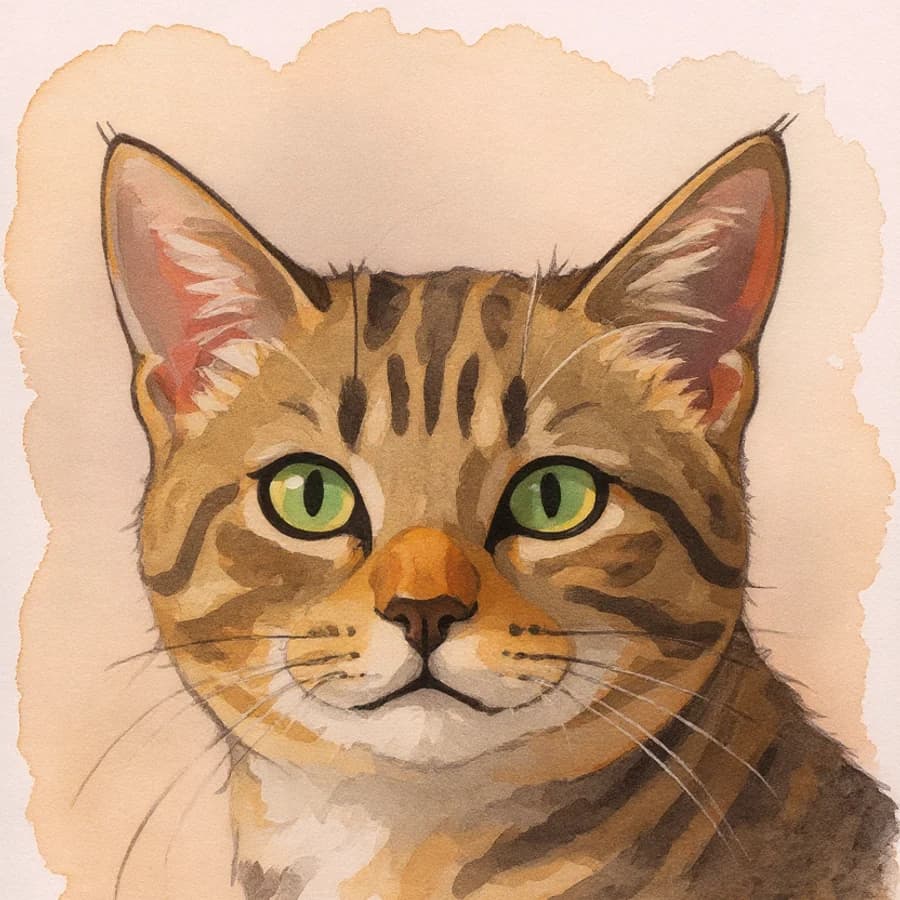
The tabby markings and green eyes remain the visual anchors as fur and shading simplify into clean illustrated shapes.
Another real result · Helpful photo tips
A front-facing or gentle three-quarter view can give the illustration more detail about the ears, eyes, and mouth. Other everyday angles can work too.
Use one clear, front-facing or near-front pet photo with the face, eyes, and ears visible. Blurry, distant, or strongly angled photos may reduce likeness. Current limit: one pet per generation. These tips are suggestions, not requirements.
From camera roll to keepsake
Choose a JPEG, PNG, or WebP with one pet. Everyday phone photos are welcome.
PetIntoArt creates the portrait in the selected art direction. No free-form prompt is required.
Open and download the finished digital image. Signed-in users can also find recent portraits in their history.
Before you create
The portrait uses cleaner shapes and color while aiming to keep your pet’s natural structure and recognizable expression. Results vary.
One pet with visible eyes, ears, and distinctive markings can help. Everyday phone photos are welcome, even without a perfect pose.
Yes. Use one pet in the photo; the current examples show more than dogs and cats.
PetIntoArt aims to retain key markings and facial details as the illustration simplifies fur and shading.
You receive a finished digital portrait through the product download flow, not a physical print.
Ready when your photo is
Upload one pet photo and create a downloadable digital portrait in Cartoon Illustration.
Want more ways to create in Cartoon Illustration?
A free account unlocks more ways to shape your portrait. New accounts receive 30 welcome credits — enough for 3 portraits.
Sign up to explore more style variations