Upload one pet photo
Choose a JPEG, PNG, or WebP with one pet. Everyday phone photos are welcome.
Graphic contrast. Modern energy.
Rework one favorite pet photo with vivid color, strong graphic shapes, and print-inspired texture—all in a single-subject composition built around your pet’s face.
Try Pop Art Free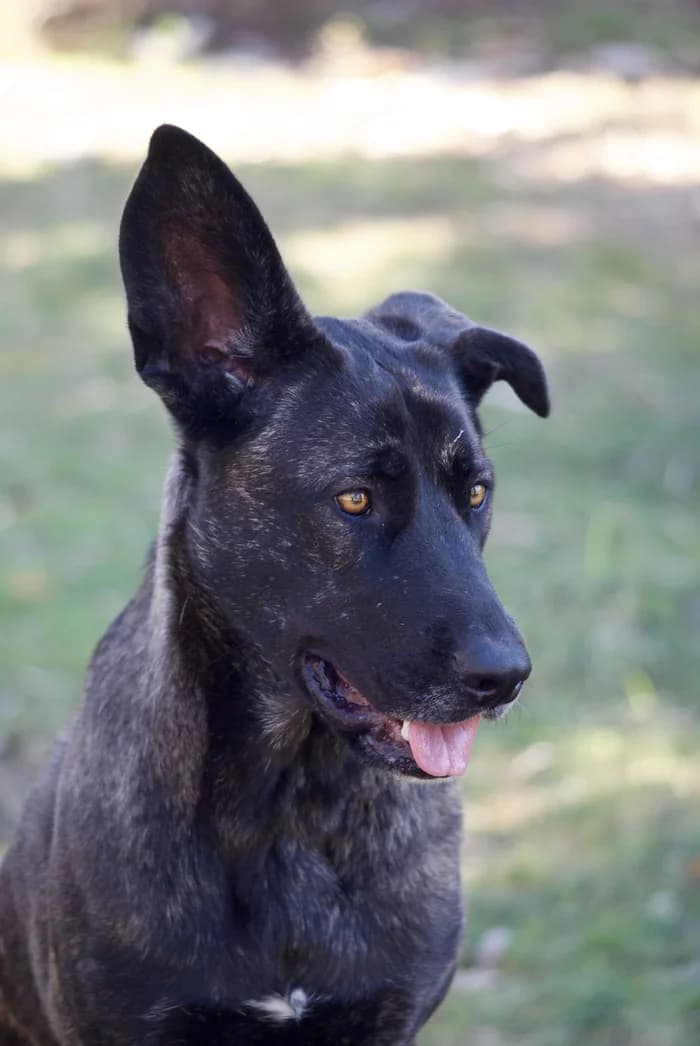
Want more ways to create in Pop Art?
A free account unlocks more ways to shape your portrait. New accounts receive 30 welcome credits — enough for 3 portraits.
Sign up to explore more style variationsDigital portrait · One pet · Downloadable image
Choose one pet photo to continue.
A successful portrait uses one free portrait.What this style looks like
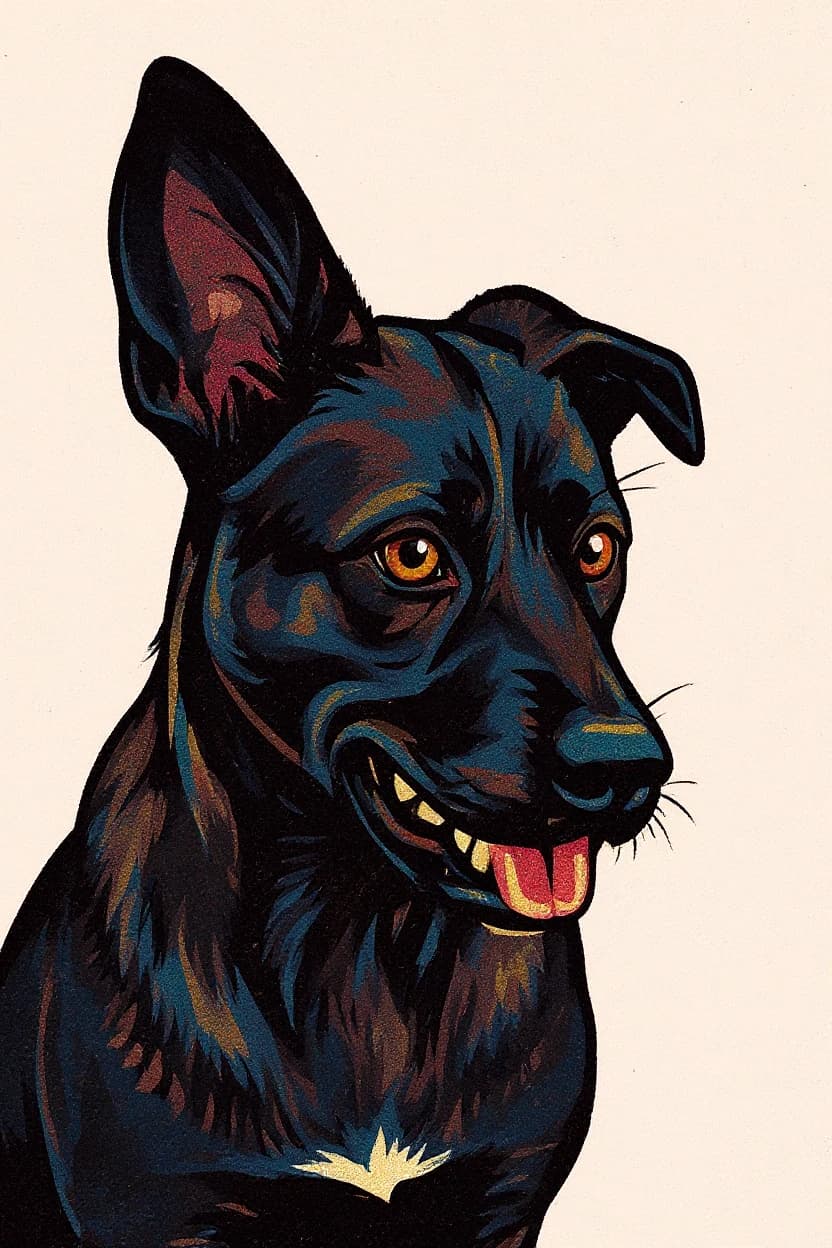
Pop Art uses bold contrast, simplified graphic forms, and halftone-like print texture. The composition stays focused on one pet rather than splitting the image into panels or duplicating the subject.
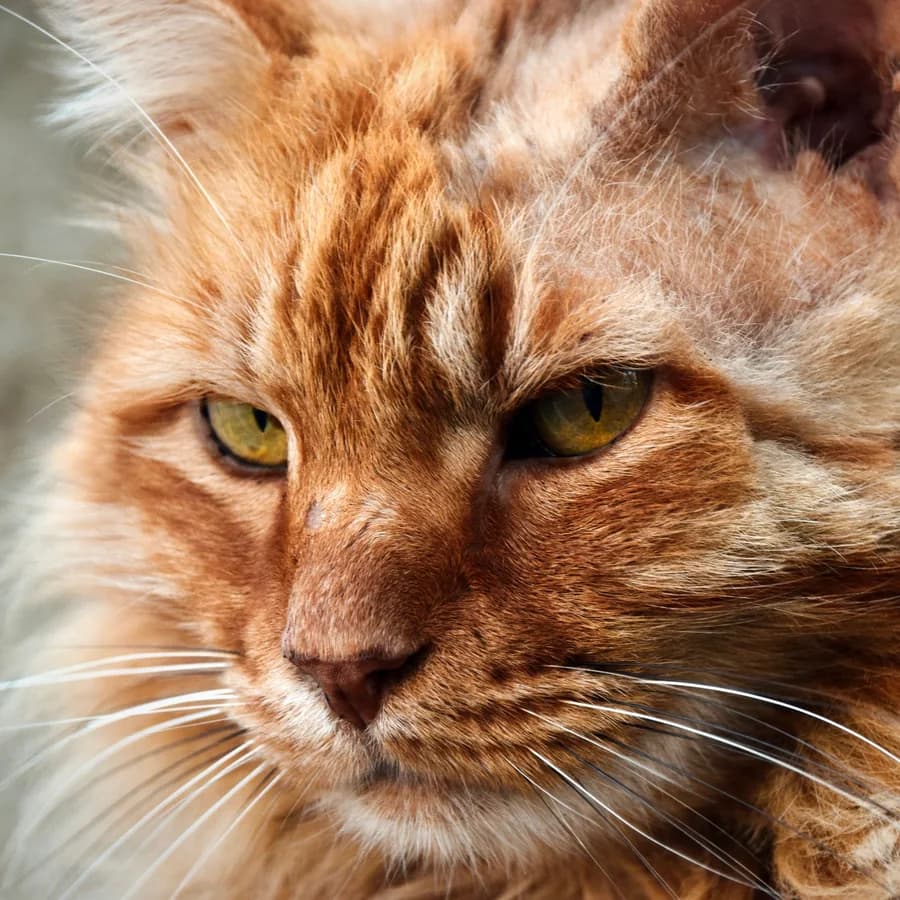
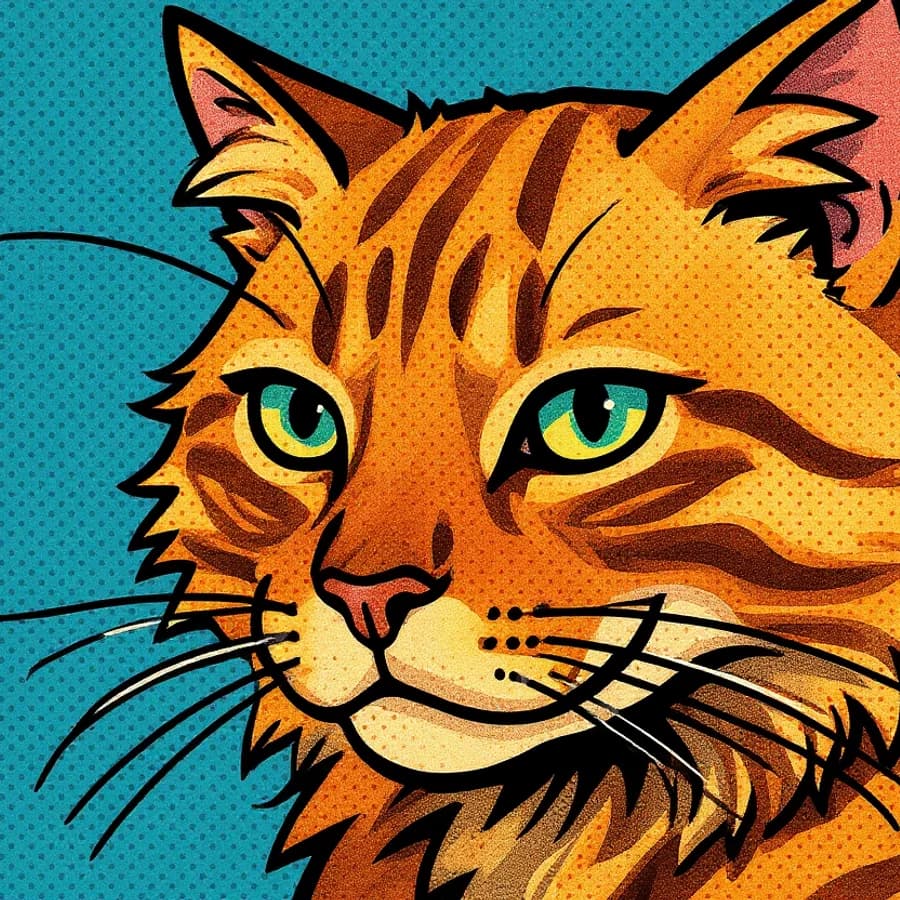
The Maine Coon’s face and silhouette stay recognizable while natural color shifts into stronger graphic contrast and a vivid print-style palette.
Another real result · Helpful photo tips
High-contrast treatment benefits when the head and ears are easy to separate from the surroundings. A simpler background can help the face stay legible as colors become bolder, but everyday settings can still work.
Use one clear, front-facing or near-front pet photo with the face, eyes, and ears visible. Blurry, distant, or strongly angled photos may reduce likeness. Current limit: one pet per generation. These tips are suggestions, not requirements.
From camera roll to keepsake
Choose a JPEG, PNG, or WebP with one pet. Everyday phone photos are welcome.
PetIntoArt creates the portrait in the selected art direction. No free-form prompt is required.
Open and download the finished digital image. Signed-in users can also find recent portraits in their history.
Before you create
No. The current product creates a single-pet portrait rather than a four-panel collage.
One pet with a readable face and silhouette can help the graphic colors stay clear. Everyday phone photos are welcome.
No. Pop Art intentionally changes the palette while aiming to retain recognizable facial and silhouette features.
Use one pet in the photo. The existing examples include different kinds of pets.
No. PetIntoArt provides a downloadable digital image, not a physical poster.
Ready when your photo is
Upload one pet photo and create a downloadable digital portrait in Pop Art.
Want more ways to create in Pop Art?
A free account unlocks more ways to shape your portrait. New accounts receive 30 welcome credits — enough for 3 portraits.
Sign up to explore more style variations