Upload one pet photo
Choose a JPEG, PNG, or WebP with one pet. Everyday phone photos are welcome.
Soft color. Familiar face.
Turn one pet photo into a watercolor pet portrait with soft washes and paper-like texture.
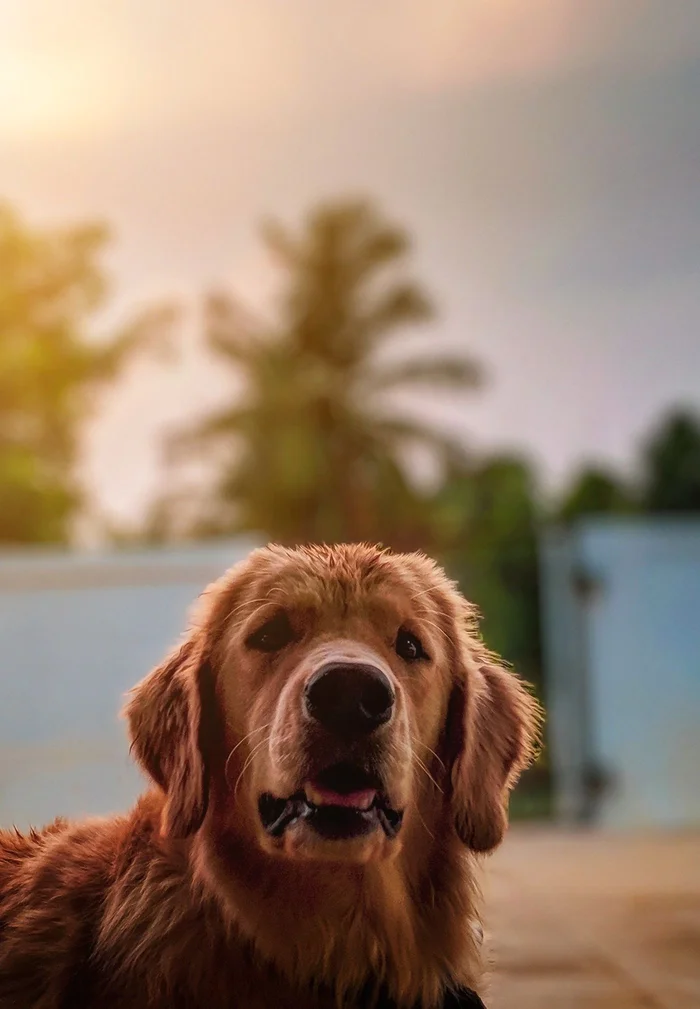
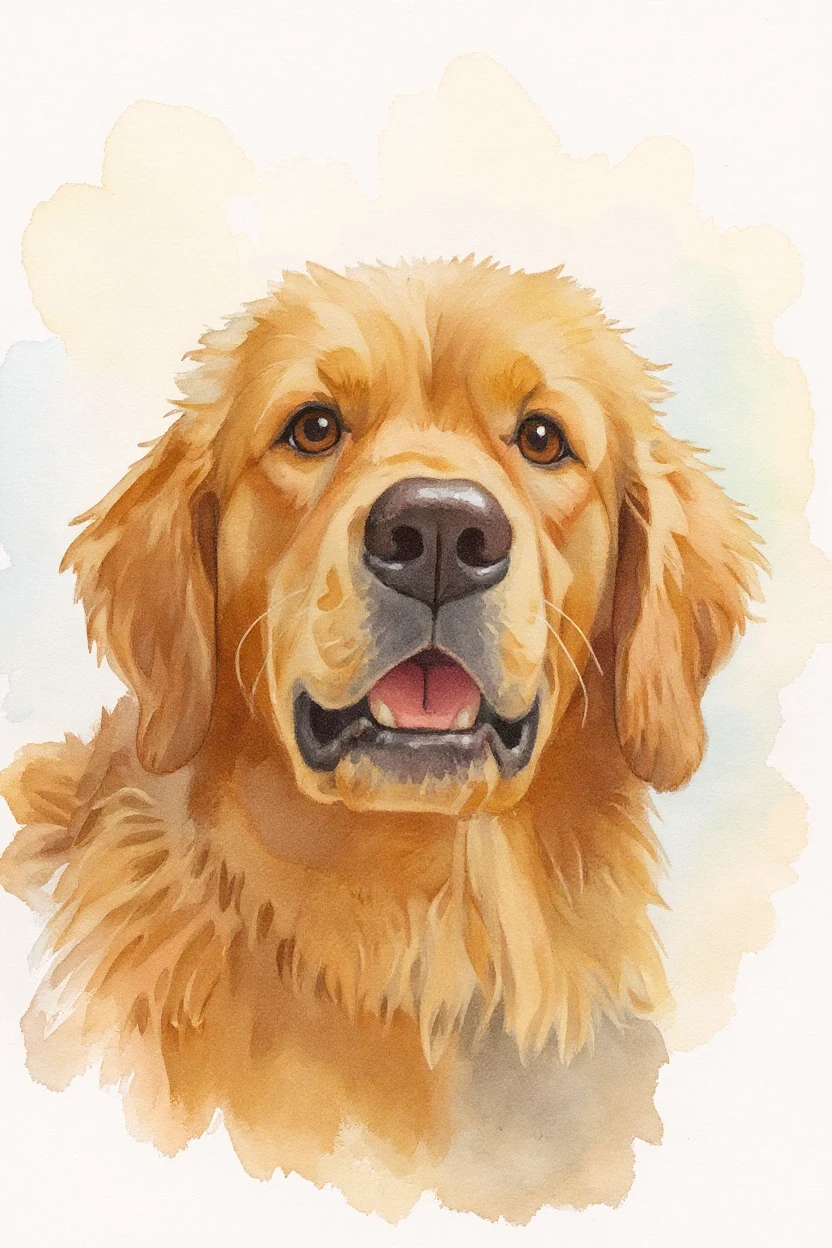
Digital portrait · One pet · Downloadable image
Loading your studio…
What this style looks like
Watercolor softens hard photographic edges into transparent layers of pigment. Gentle transitions and a paper-like surface give the portrait warmth without hiding the expression you know.
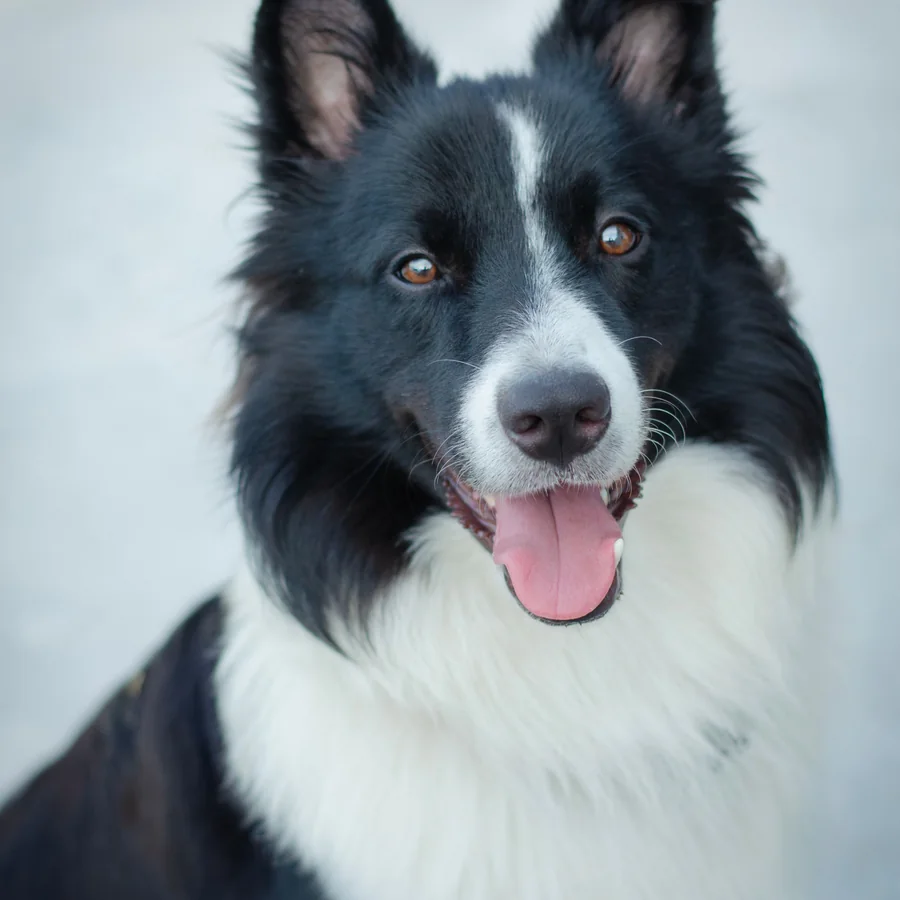
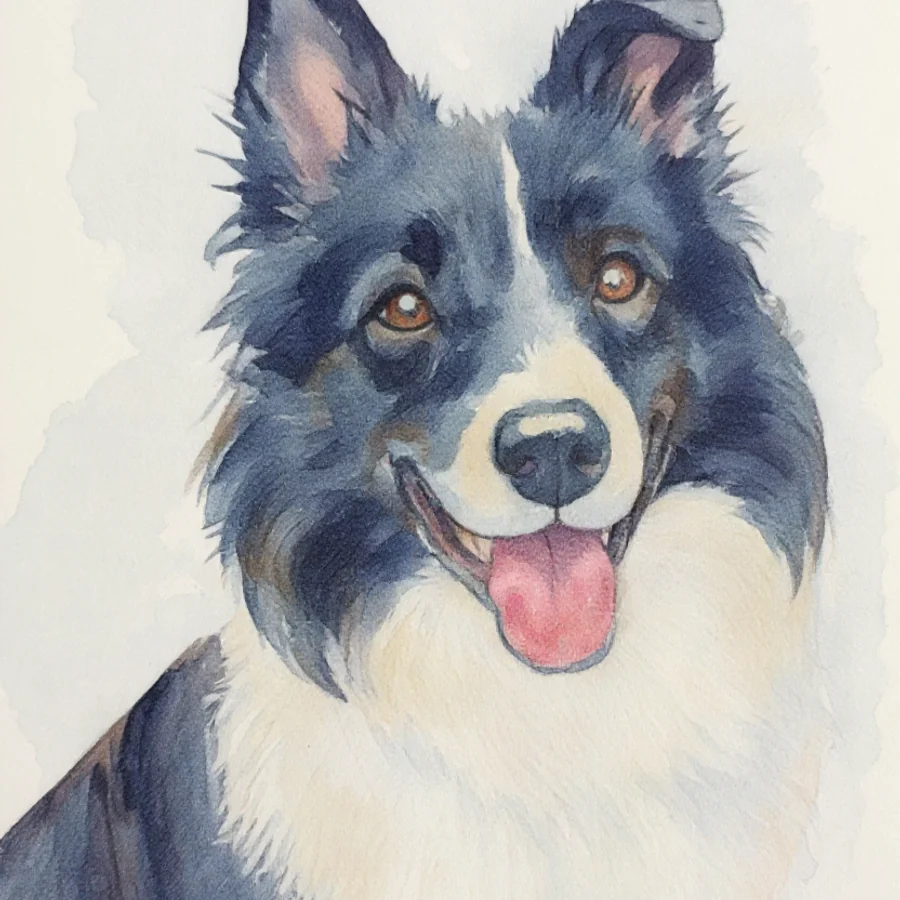
A black-and-white coat stays recognizable while the background and hard photographic edges soften into watercolor washes.
Another real result · Helpful photo tips
Natural light and visible coat markings can help the pet stay recognizable as watercolor softens the photographic edges. These are suggestions, not requirements.
Use one clear, front-facing or near-front pet photo with the face, eyes, and ears visible. Blurry, distant, or strongly angled photos may reduce likeness. Current limit: one pet per generation. These tips are suggestions, not requirements.
From camera roll to keepsake
Choose a JPEG, PNG, or WebP with one pet. Everyday phone photos are welcome.
PetIntoArt creates the portrait in the selected art direction. No free-form prompt is required.
Open and download the finished digital image. Signed-in users can also find recent portraits in their history.
Before you create
PetIntoArt aims to preserve the face, eyes, ears, coat colors, and distinctive markings. A clearer source photo can help, but results naturally vary.
A photo with one pet, visible facial features, and less blur can help. Everyday phone photos are welcome.
No. PetIntoArt creates a downloadable digital image with a watercolor look; it does not ship physical artwork.
Yes. Upload one pet photo, such as a dog, cat, rabbit, or another pet. Clear eyes, coat colors, and distinctive markings can help the watercolor portrait stay recognizable.
You can download your finished portrait as a digital image. No physical artwork is included.
Ready when your photo is
Upload one pet photo and create a downloadable digital portrait in Watercolor.