Upload one pet photo
Choose a JPEG, PNG, or WebP with one pet. Everyday phone photos are welcome.
Soft color. Familiar face.
Turn one pet photo into a light, expressive digital watercolor guided by the eyes, coat colors, and markings that make your pet recognizable.
Try Watercolor Free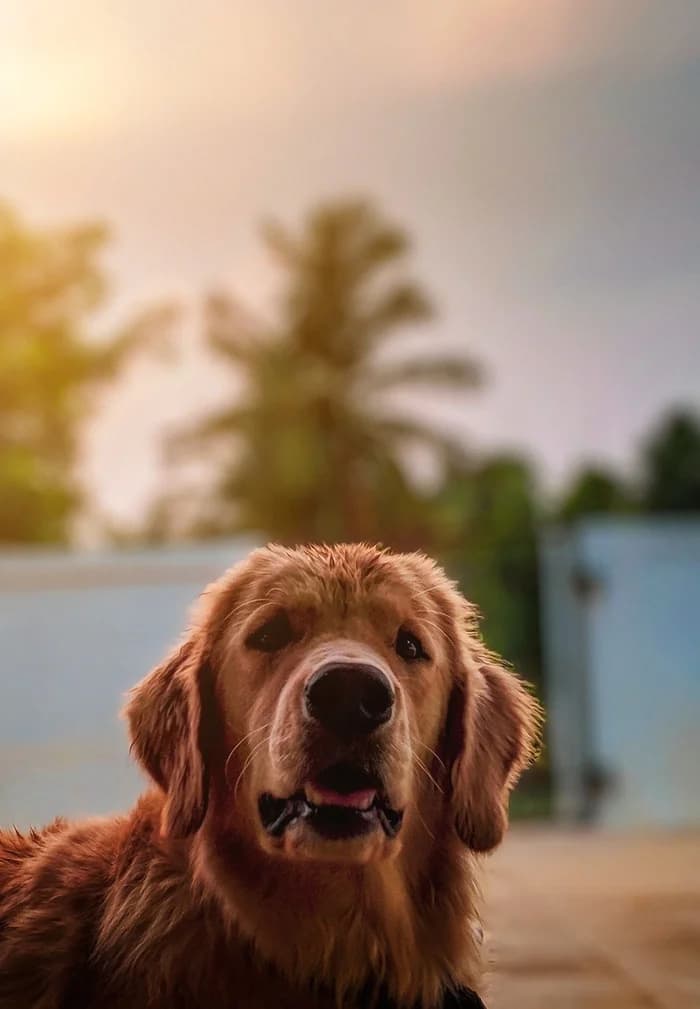
Want more ways to create in Watercolor?
A free account unlocks more ways to shape your portrait. New accounts receive 30 welcome credits — enough for 3 portraits.
Sign up to explore more style variationsDigital portrait · One pet · Downloadable image
Choose one pet photo to continue.
A successful portrait uses one free portrait.What this style looks like
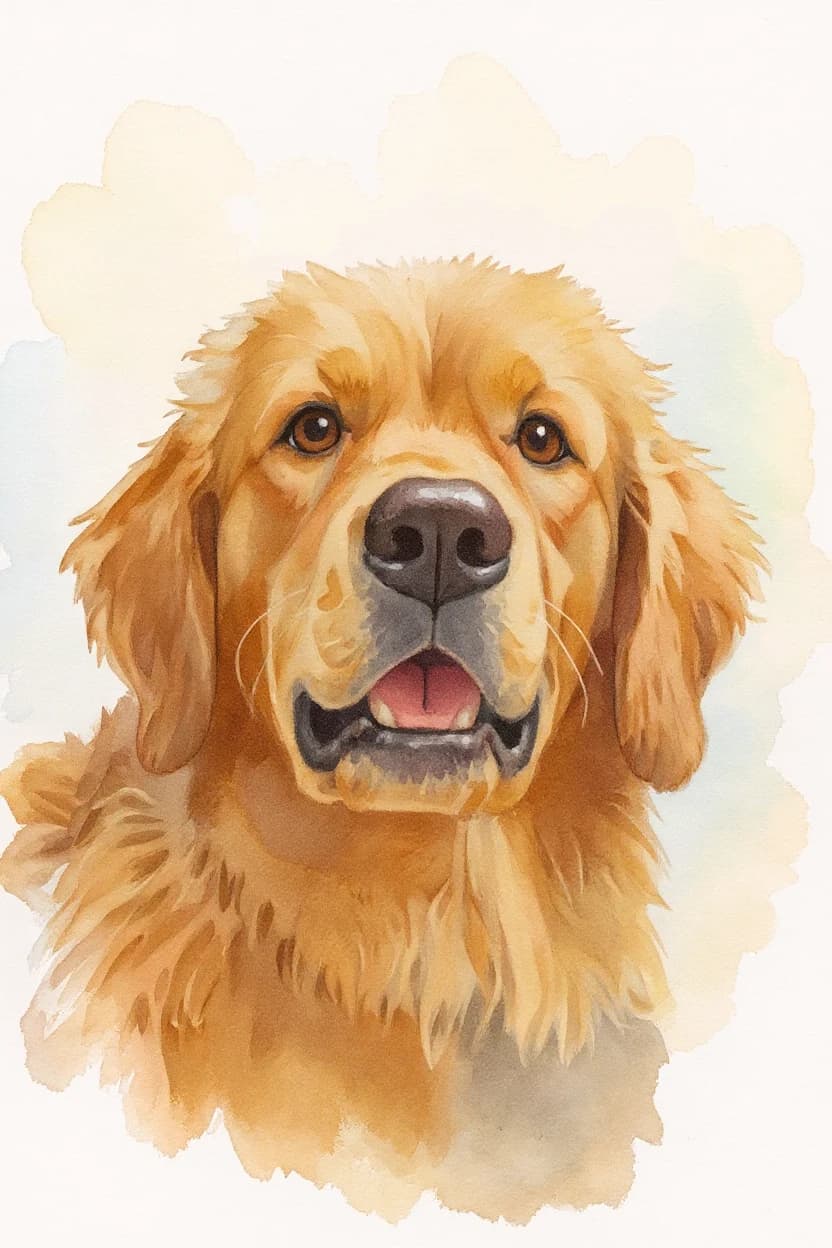
Watercolor softens hard photographic edges into transparent layers of pigment. Gentle transitions and a paper-like surface give the portrait warmth without hiding the expression you know.
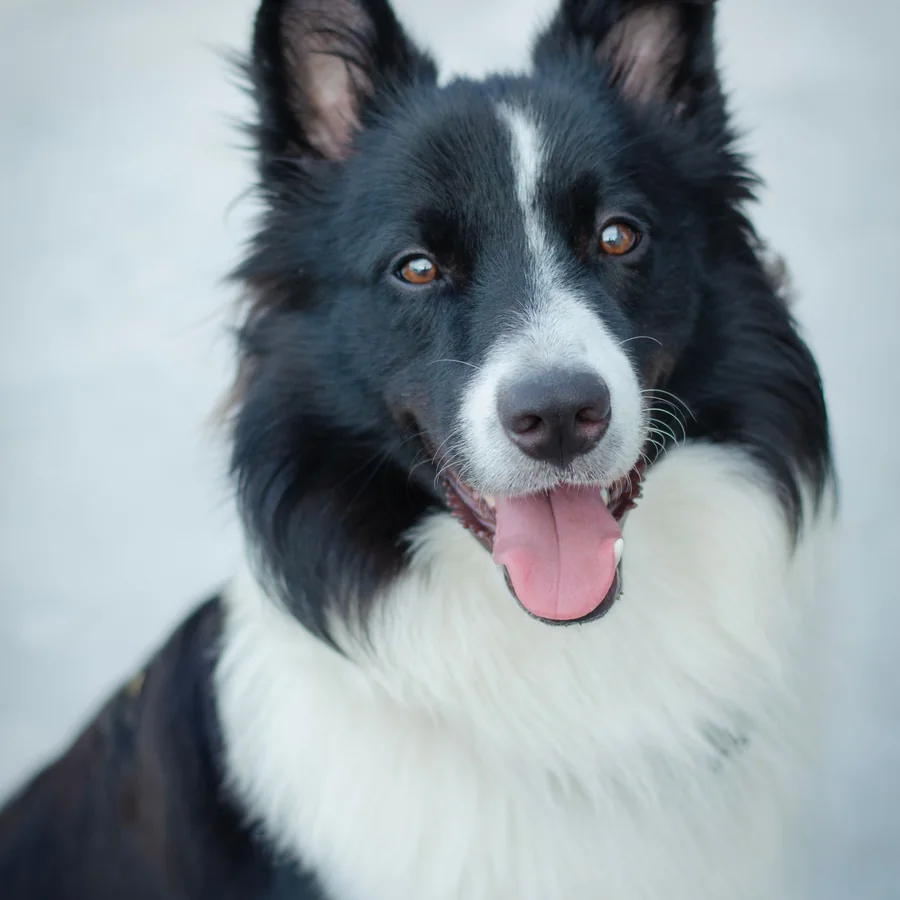
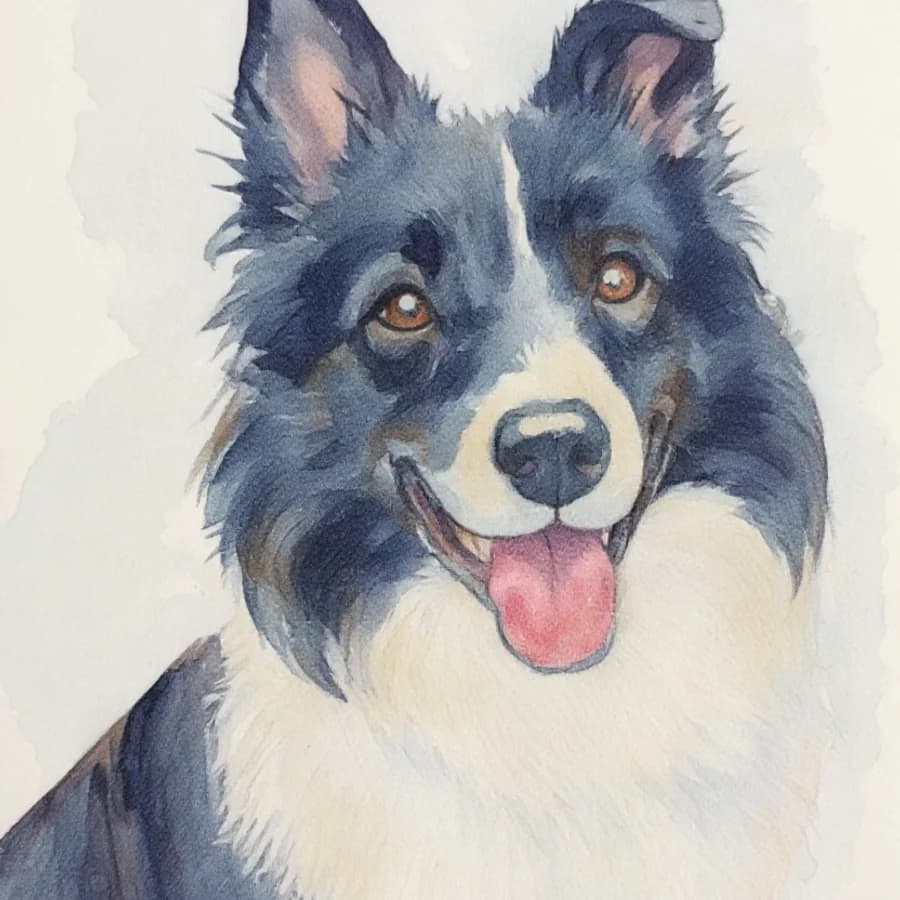
A black-and-white coat stays recognizable while the background and hard photographic edges soften into watercolor washes.
Another real result · Helpful photo tips
Natural light and visible coat markings can help the pet stay recognizable as watercolor softens the photographic edges. These are suggestions, not requirements.
Use one clear, front-facing or near-front pet photo with the face, eyes, and ears visible. Blurry, distant, or strongly angled photos may reduce likeness. Current limit: one pet per generation. These tips are suggestions, not requirements.
From camera roll to keepsake
Choose a JPEG, PNG, or WebP with one pet. Everyday phone photos are welcome.
PetIntoArt creates the portrait in the selected art direction. No free-form prompt is required.
Open and download the finished digital image. Signed-in users can also find recent portraits in their history.
Before you create
PetIntoArt aims to preserve the face, eyes, ears, coat colors, and distinctive markings. A clearer source photo can help, but results naturally vary.
A photo with one pet, visible facial features, and less blur can help. Everyday phone photos are welcome.
No. PetIntoArt creates a downloadable digital image with a watercolor look; it does not ship physical artwork.
Use one pet in the photo. The examples include different kinds of pets; clear facial features and markings can help preserve their identity.
You receive a finished digital portrait through the product download flow.
Ready when your photo is
Upload one pet photo and create a downloadable digital portrait in Watercolor.
Want more ways to create in Watercolor?
A free account unlocks more ways to shape your portrait. New accounts receive 30 welcome credits — enough for 3 portraits.
Sign up to explore more style variations